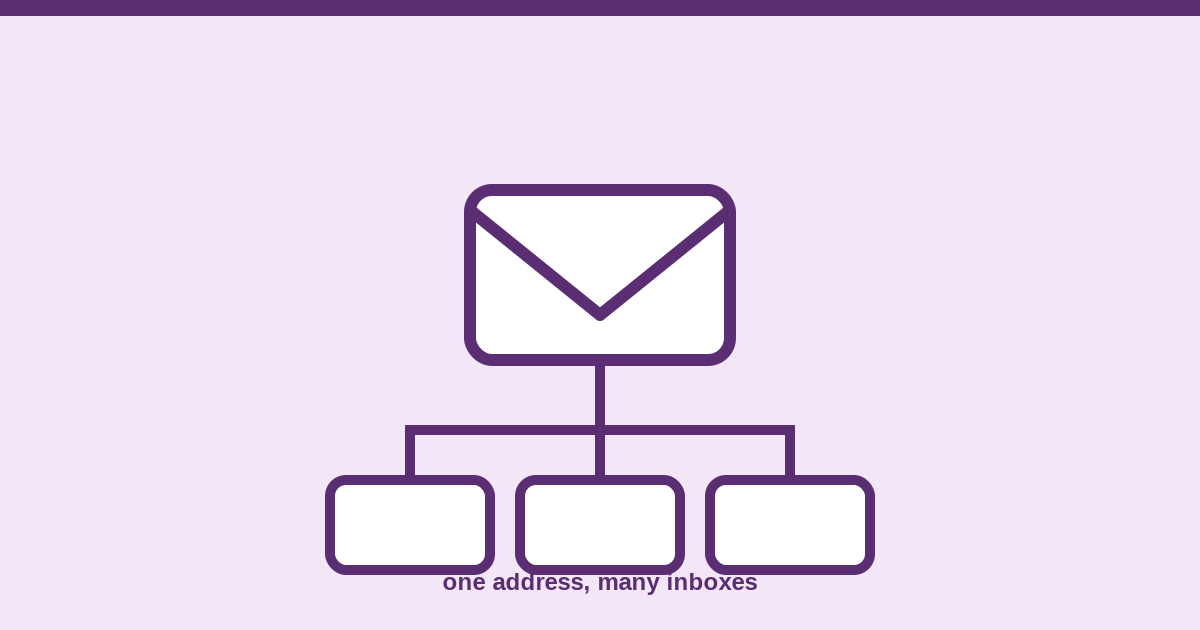
A mailbox, an alias and a catch-all all receive email, so people treat them as interchangeable. They are not: one has storage and login details, one is a pointer, and one accepts anything the internet can invent.
Mailboxes own mail
A mailbox is a real account with storage, a password and a folder structure. It is what you log in to over IMAP or webmail. Create one for each person who actually reads mail: anna@, support@, invoices@.
Aliases point at mailboxes
An alias is another address that delivers into an existing mailbox. sales@ can land in Anna's inbox without being a second account. Aliases cost no storage and need no password, which makes them ideal for role addresses that outlive the person holding them.
Good uses:
billing@→ the accountant's mailbox.hello@→ the founder's mailbox, so the address never changes when staff do.- Project addresses that several people should see.
Forwarding relays mail
Forwarding sends a copy of incoming mail to another address — often a personal Gmail, or a developer's inbox. It is convenient, but forwarded mail is fragile: the message is re-sent by your server, and strict DMARC checks at the destination may reject it because the From domain is not the one sending.
Use forwarding sparingly, prefer a mailbox with IMAP access where the person needs to send as the domain, and keep the original copy on the server.
Catch-all accepts everything
A catch-all receives mail for any address at your domain that has no mailbox or alias — [email protected]. That is genuinely useful during a migration, when old addresses keep appearing, and on domains where nothing critical lives.
It is also the fastest way to drown in spam. Spammers guess addresses, so a catch-all collects every wrong guess. Once your domain is in one list, the volume grows and never shrinks.
Our recommendation
- Create real mailboxes for real people.
- Add aliases for role addresses —
sales@,billing@,press@. - Use forwarding only where the receiver genuinely needs the copy.
- Turn catch-all on temporarily during a migration, not permanently.
All four features are included on every Mailgineer plan, along with Sieve filters to sort the result before it reaches a human.