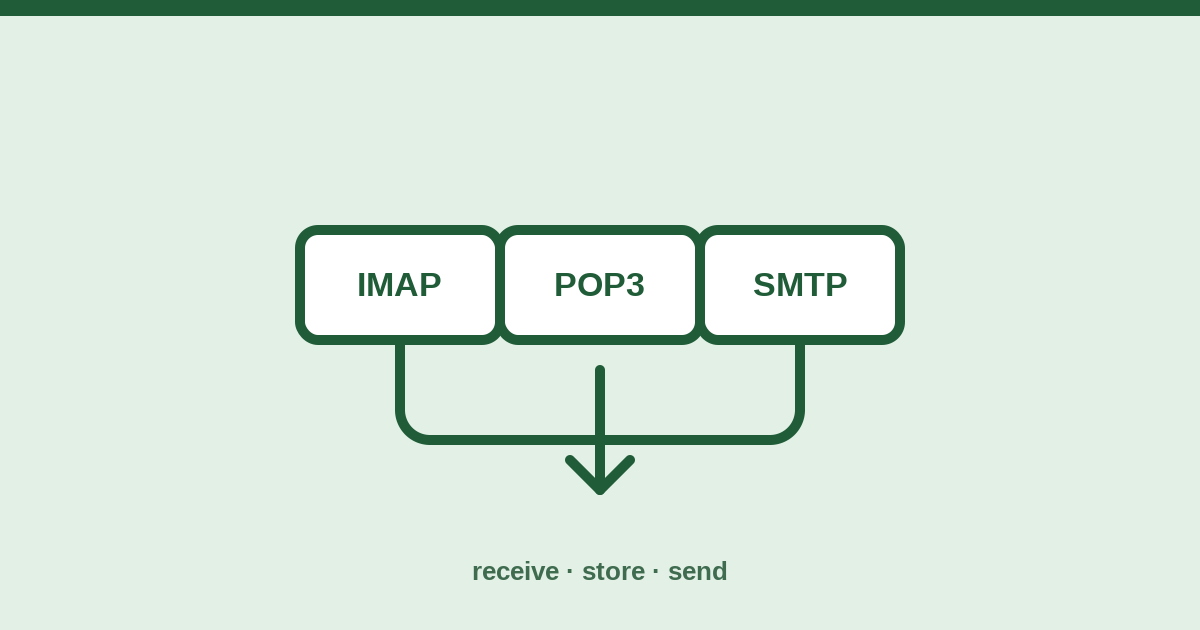
Email still runs on protocols designed decades ago, and they work remarkably well — as long as you know which one you are configuring. The confusion usually shows up when a phone, laptop and webmail disagree about what exists.
SMTP sends
Simple Mail Transfer Protocol is outbound. Your client hands a message to an SMTP server, which passes it along to the recipient's server. Every "cannot connect to SMTP server" error is about this leg only — sending.
Common ports: 587 with STARTTLS, or 465 with implicit TLS. Use encryption on both. Plain port 25 is for server-to-server delivery, not for your laptop.
IMAP stores
Internet Message Access Protocol keeps mail on the server. Every device sees the same folders, the same read flags, the same sent items. Read something on your phone and it is read on your laptop. Move a message and it moves everywhere.
This is what you want for modern multi-device use, and it is what webmail uses underneath.
POP3 downloads
Post Office Protocol 3 copies messages from the server to one device and, by default, deletes them from the server. It is a snapshot, not a shared library.
POP3 still has a place — small mailboxes read from a single machine, or archiving — but for anything with more than one device it creates the classic "my mail is on the old laptop" problem.
The practical setup
- Incoming: IMAP over TLS, port 993.
- Outgoing: SMTP with authentication, port 587 (STARTTLS) or 465 (TLS).
- Same hostname for both, unless your provider says otherwise.
- Leave POP3 off unless you specifically want downloaded copies.
Why do I see duplicates?
Almost always a mix of POP3 and IMAP on the same address, or a phone set to "leave a copy on the server" while also re-downloading. Pick IMAP on every device and the duplicate problem disappears.
Mailgineer supports SMTP, IMAP and POP3 on all plans, with full webmail if you would rather not configure anything at all.